Cancelled By a Portal User
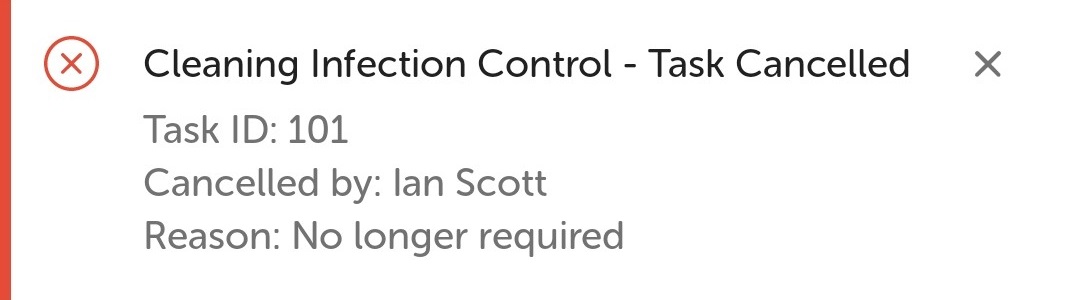
If the task is no longer required a portal user can cancel the task from the task list on the portal. The task handler receives a notification with the task ID and that the portal user has cancelled with the reason. If there are assistant tasks, the assistant task handlers will receive a notification with the task ID and the reason "Auto cancelled - primary task cancelled". For example, the primary task is to move a patient in a bed but the patient no longer requires moving, so the portal user cancels the primary task which cancels any assistant tasks automatically.
When a portal user cancels the task, a message and sound notification is sent to the mobile phone. Click the down arrowhead to view further details.
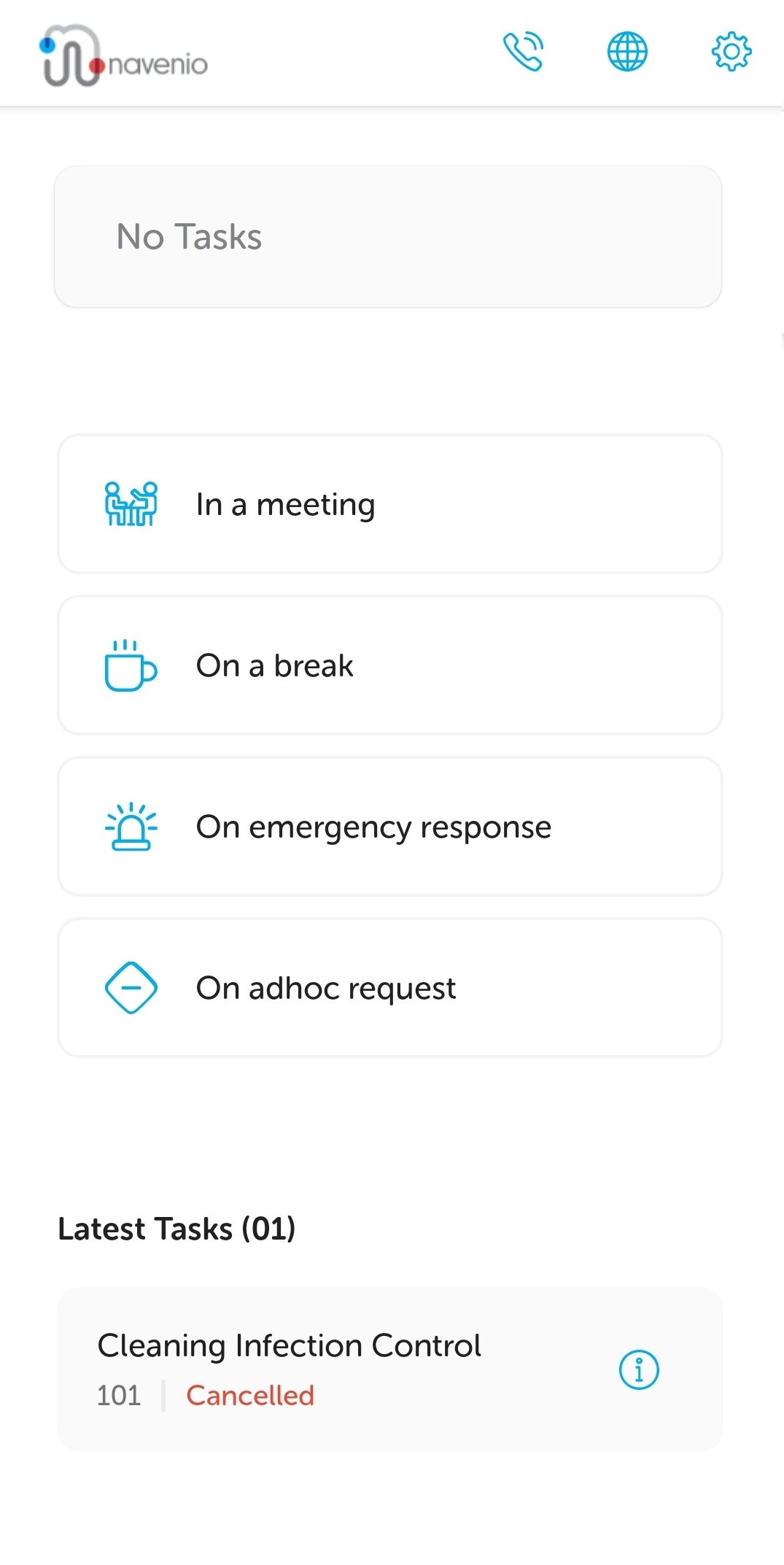
The Landing page is displayed with the task listed in the Latest Tasks section as cancelled. The task handler is "ready" and available to have tasks assigned to them.