Cancelled By the Task Handler
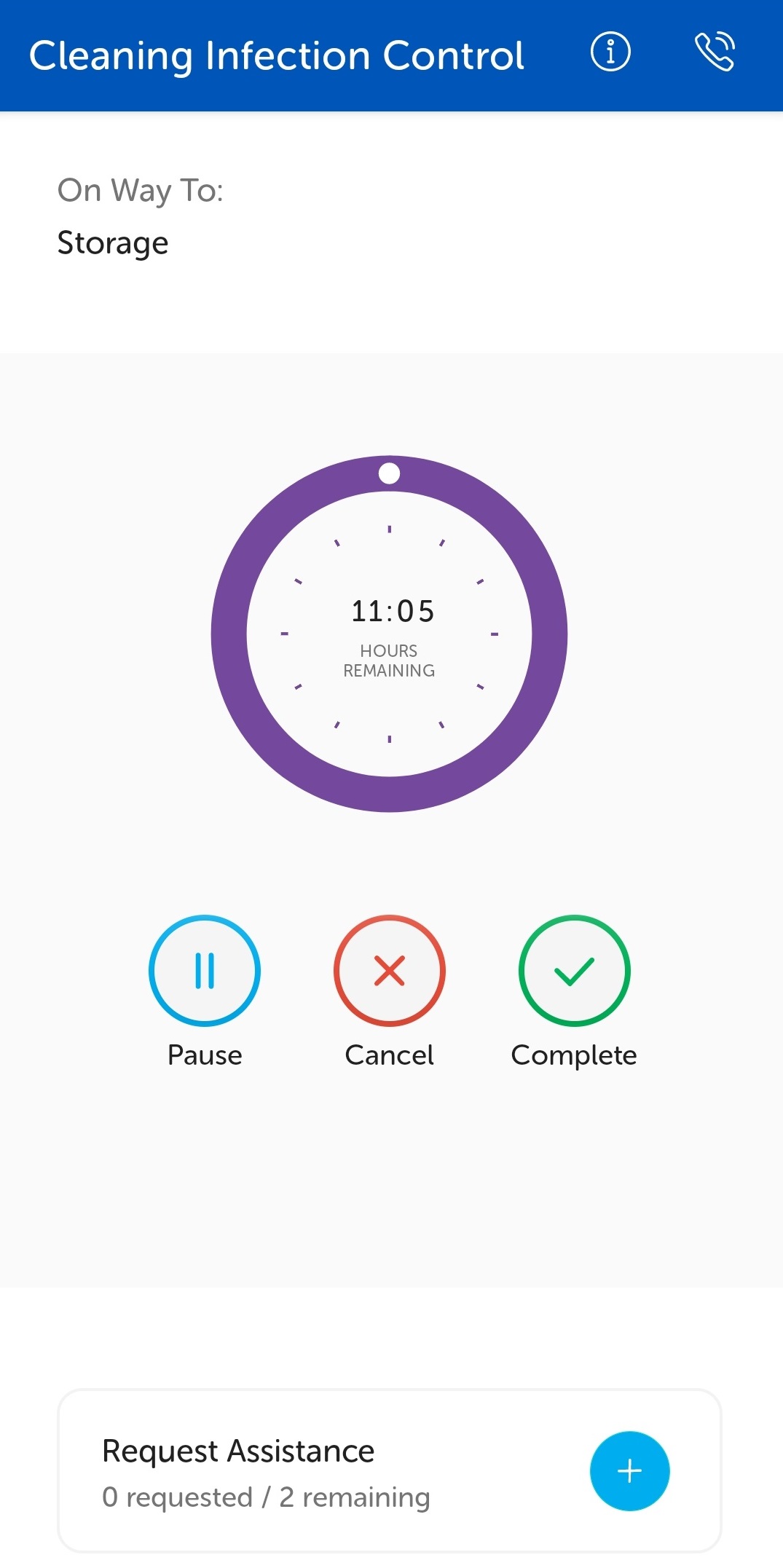
If the task cannot be completed, then tap the Cancel button on the task screen.
Note: Some tasks types may be configured to prevent the task handler cancelling them, see Cancellation Not Allowed By a Task Handler for details.
For example, a task to supply bedsheets and pillowcases but the task handler finds there are no bedsheets or pillowcases available, so they cancel the task.
Select the appropriate reason for cancellation and tap OK.
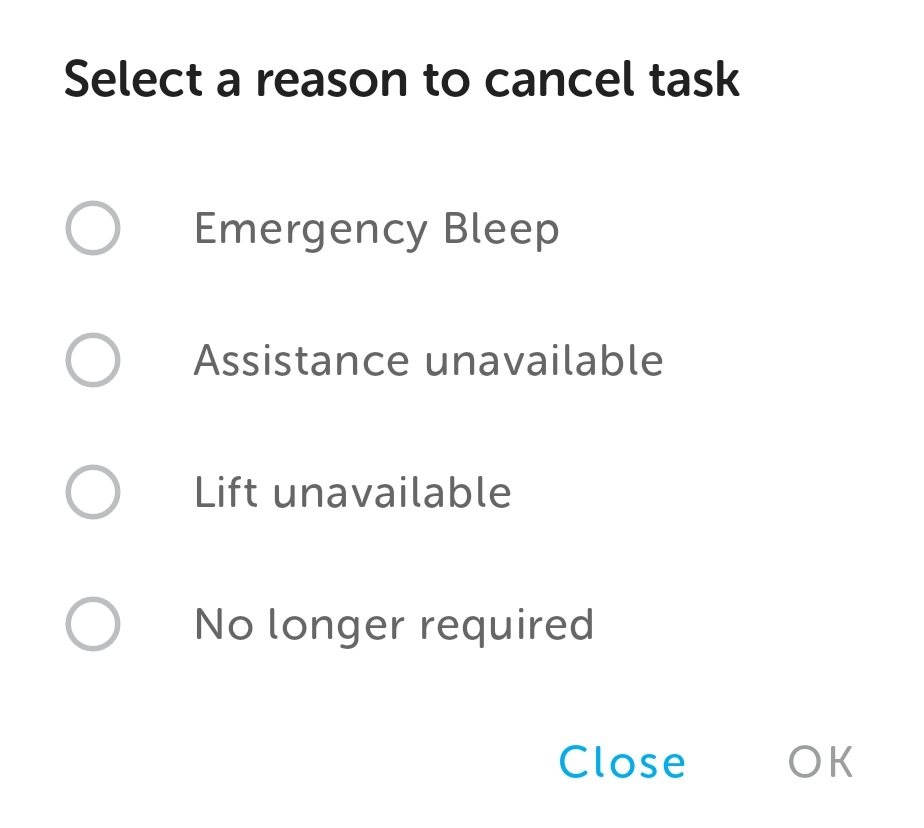
Note: The list of reasons displayed will depend on the task type.
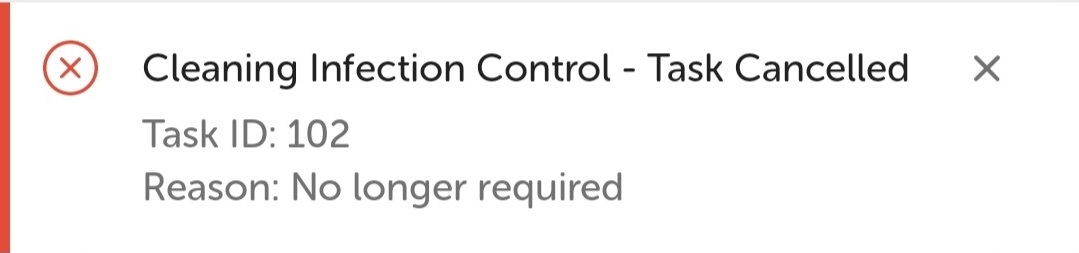
A notification displays confirming the cancellation and the reason.
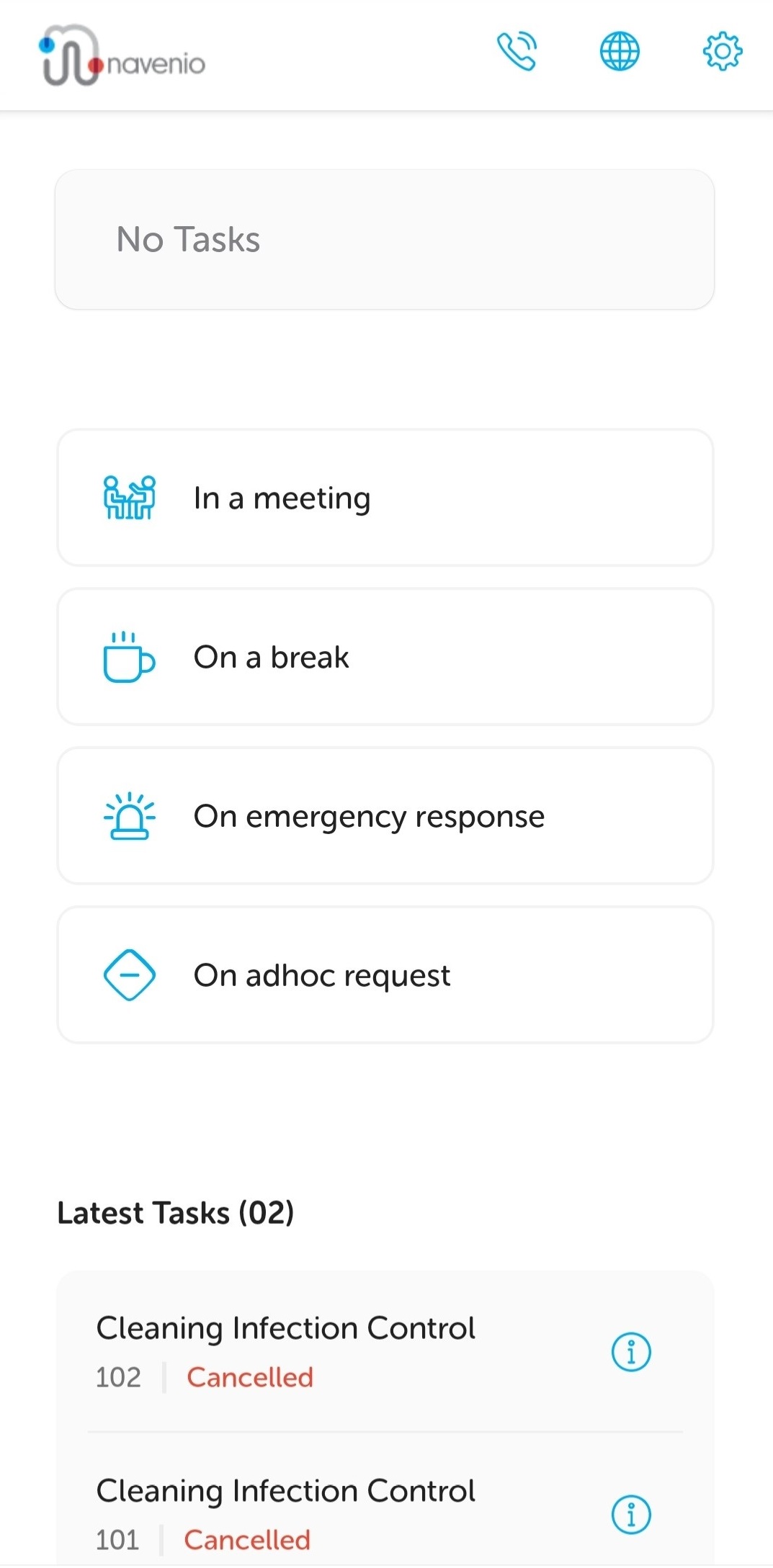
The landing page is displayed with the task listed in the Latest Tasks section as cancelled. The task handler is "ready" and available to have tasks assigned to them.