On Adhoc Request
If an adhoc request is received, the task handler can tap On adhoc request to update their status. Tasks are not assigned for the duration of the request.
Tap the On adhoc request button on the landing screen.
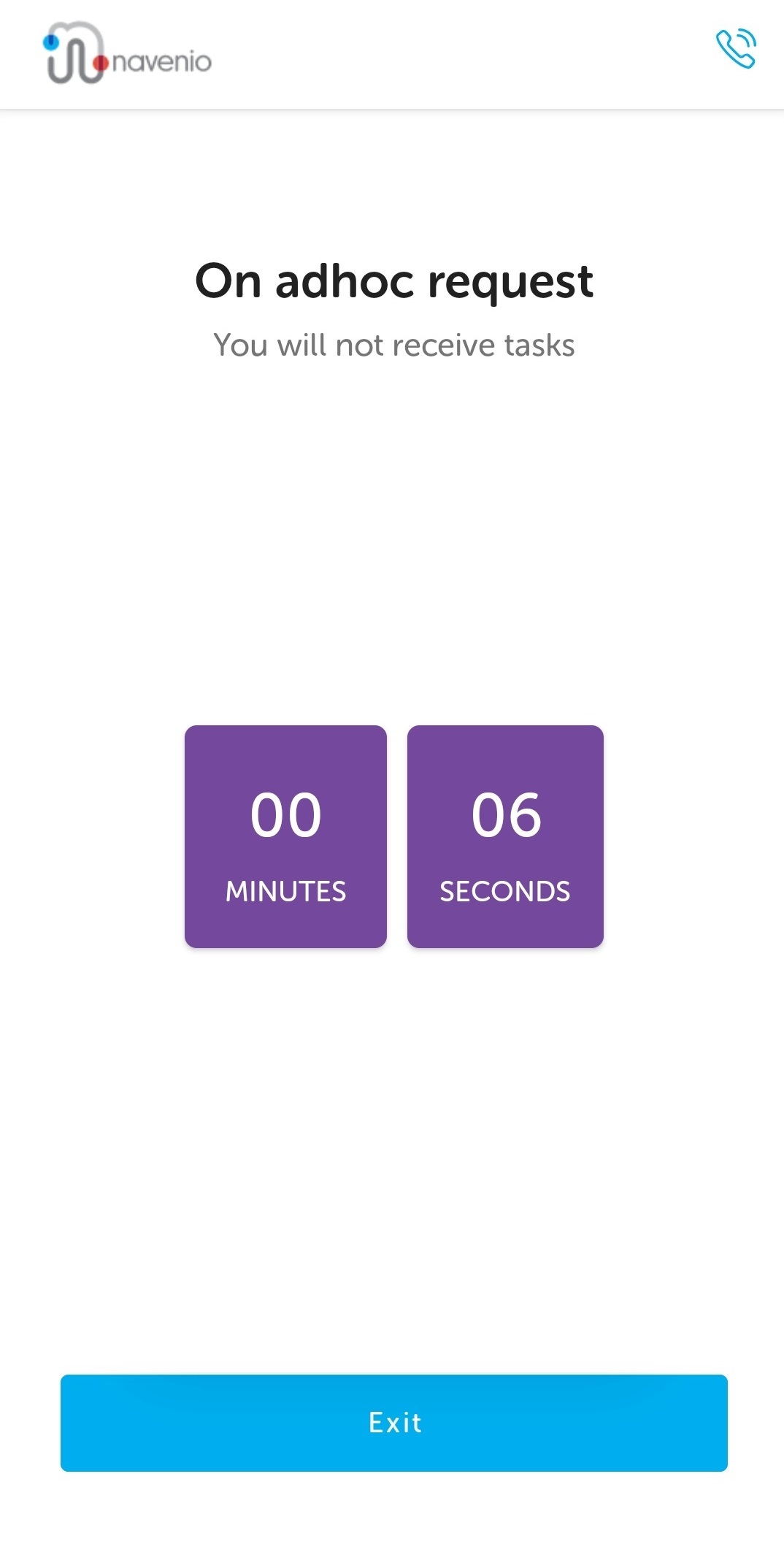
A timer begins and no tasks will be assigned.
Tap Exit when the request has been completed to be ready to perform tasks.
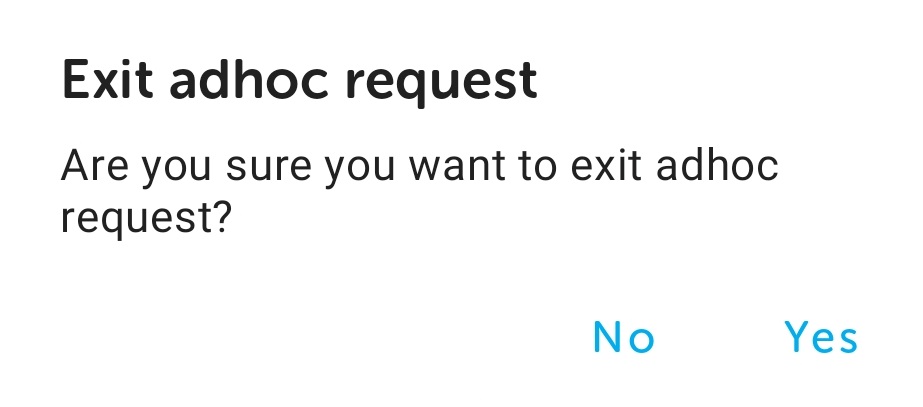
Confirm the exit by tapping Yes. The Landing page is displayed and the task handler is "ready" and available to have tasks assigned to them.