Task Group Assignment
For a task group to be assigned to a task handler, the task handler must have all the skills to complete all tasks in the group (and there are no exclusions for any of the tasks).
When a task group is assigned to a task handler, the blue task assigned message displays as Group of Tasks. The number in brackets indicates how many individual tasks are included within the group.
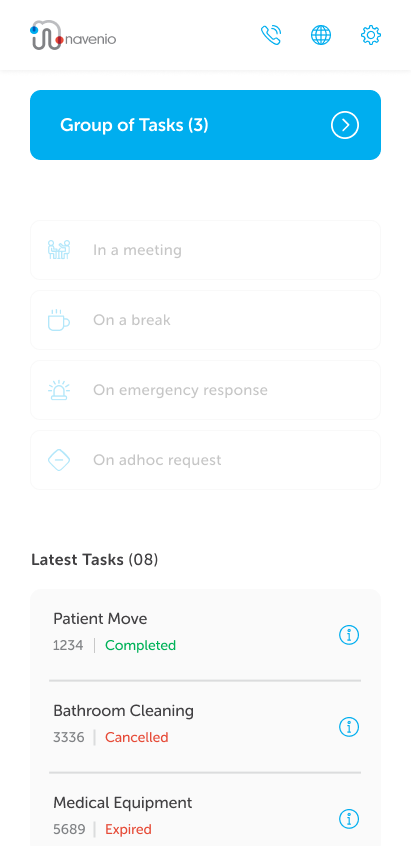
Note: The Latest Tasks section will always display individual tasks, even those that were accepted, declined, completed or expired as part of a task group.
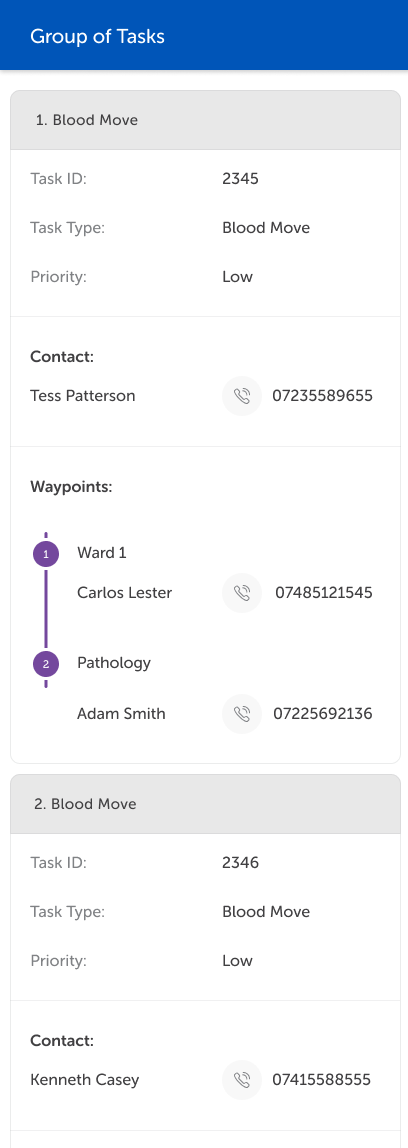
Tapping the blue task assigned message displays the task details for each of the tasks in the task group to enable the task handler to make the decision to accept or decline the task group.
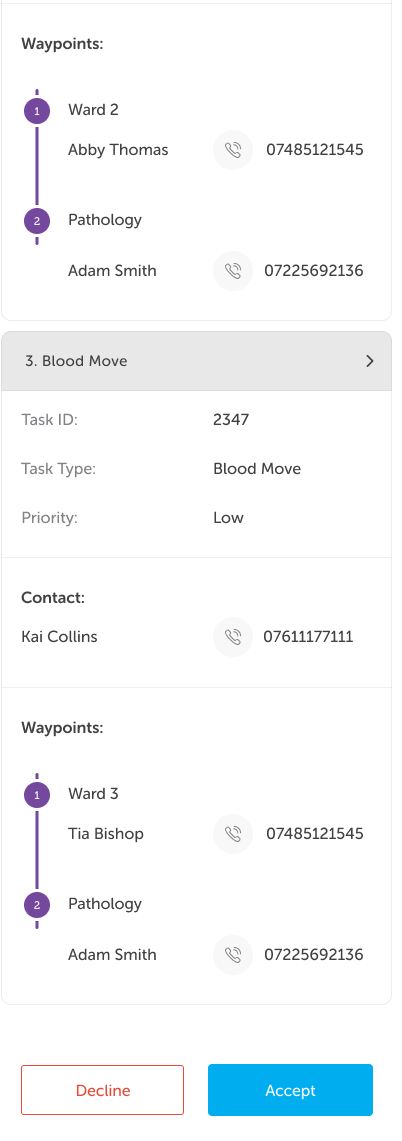
After the last task details, the standard Decline and Accept buttons are displayed to action the task handler's decision.