Task Group Completion
Tasks can be completed as a group or individually. When you move away from the last waypoint of one or more of the tasks, you are prompted, asking if you have completed the task(s).
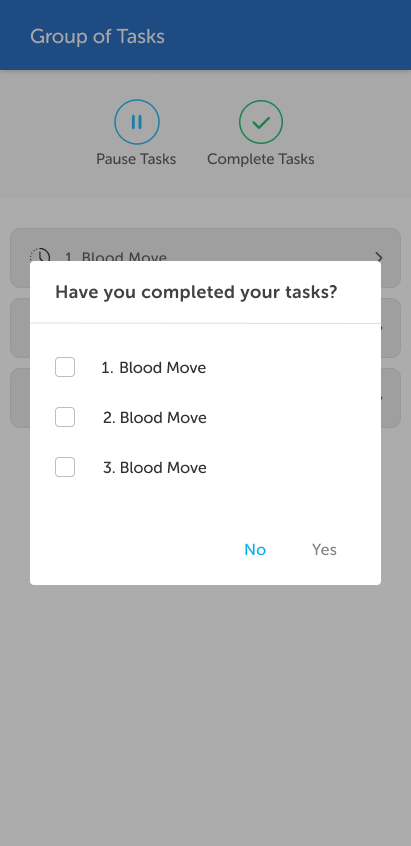
If appropriate, select the tasks that have been completed and tap Yes.
Note: The system can be configured so that some task types can complete without confirmation. Any tasks of these types are completed automatically and will not display on the list.
Alternatively, you can complete the tasks manually by tapping the Complete Tasks button. A prompt displays asking for confirmation of the completion.
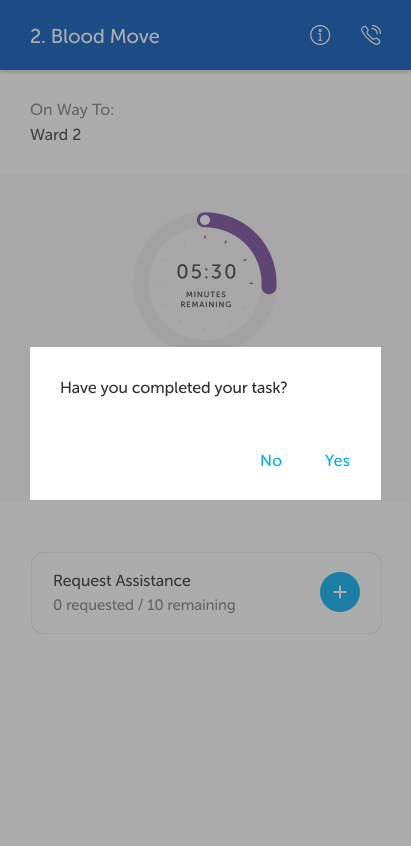
In all cases, if there are Post-Task Actions for one or more of the tasks, a prompt displays.
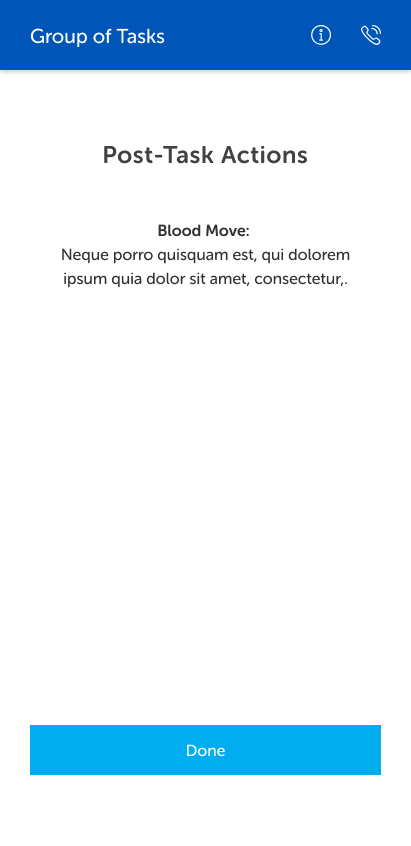
Note: If multiple tasks have been completed, the post-task actions message will be a combination of those for the completed tasks.
When you click Done, the group task displays icons against the completed tasks.
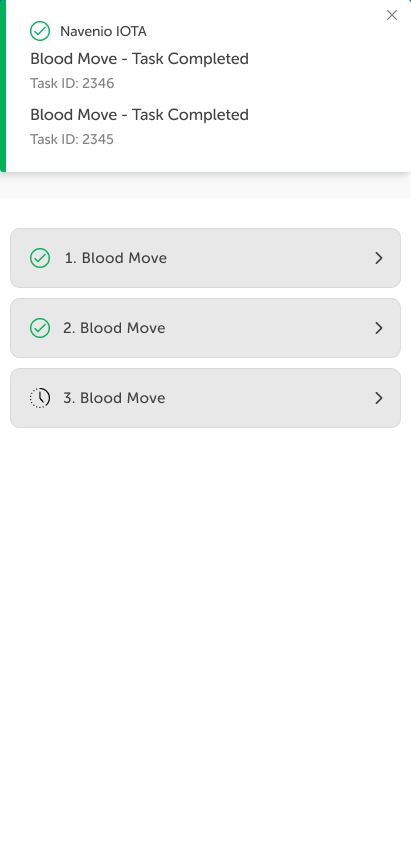
When all the tasks in the group have been completed, the tasks are displayed individually in the Latest Tasks section and the task handler is returned to the Ready status.