Mobile App Contact List
To access the contact list, tap the call button on the top of any screen to display the dialler page. Tap the contacts  button at the top-right. The Contacts tab lists the mobile's contacts in alphabetical order.
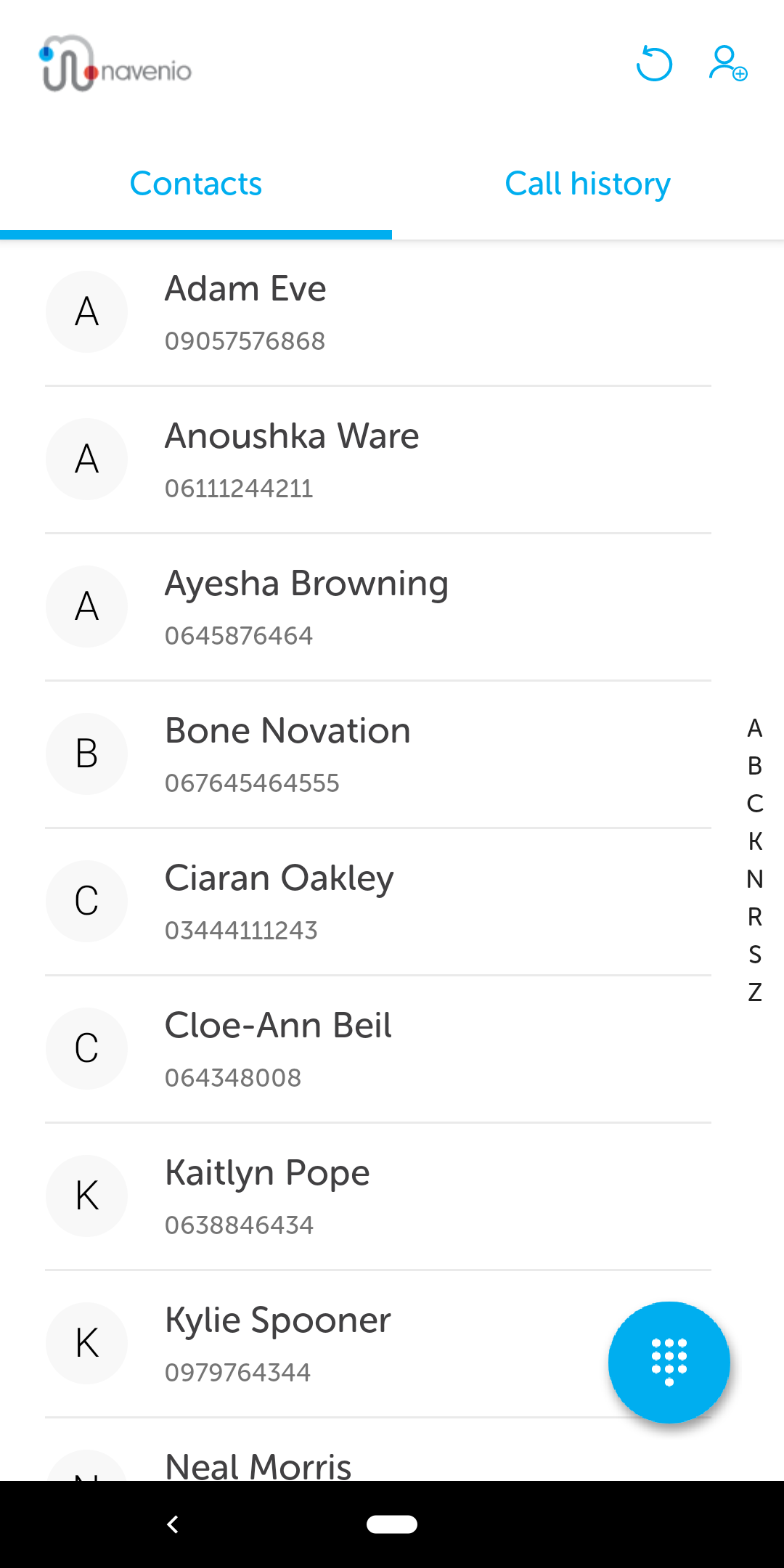
To make the call, tap the required contact and the call will be dialled.
The Call History tab lists recent calls, with the most recent at the top.