Using the Dial Pad
To make a call to anyone else, launch the Navenio Phone app by tapping the Call . at the top of the screen.
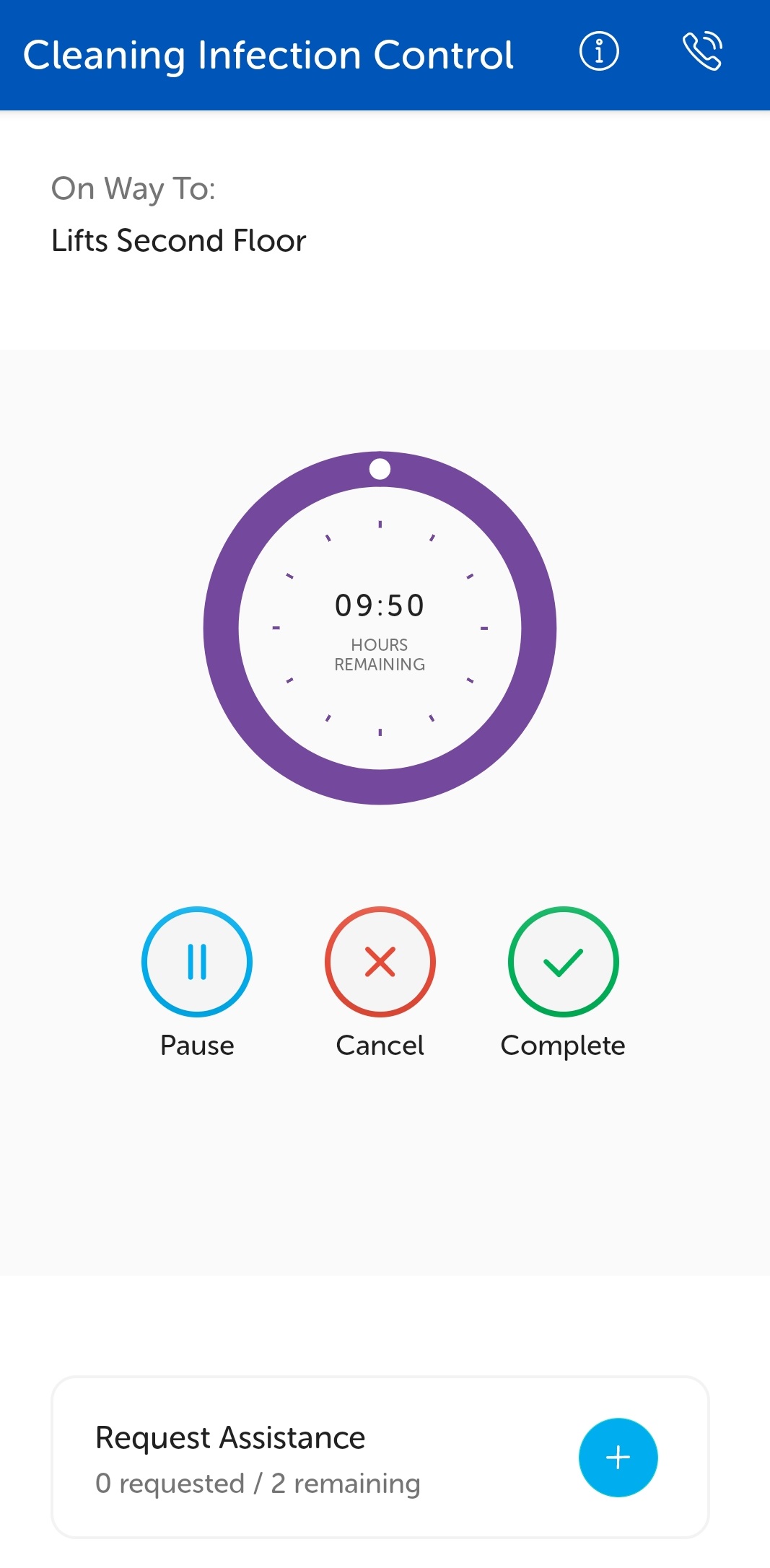
The dialler screen displays.
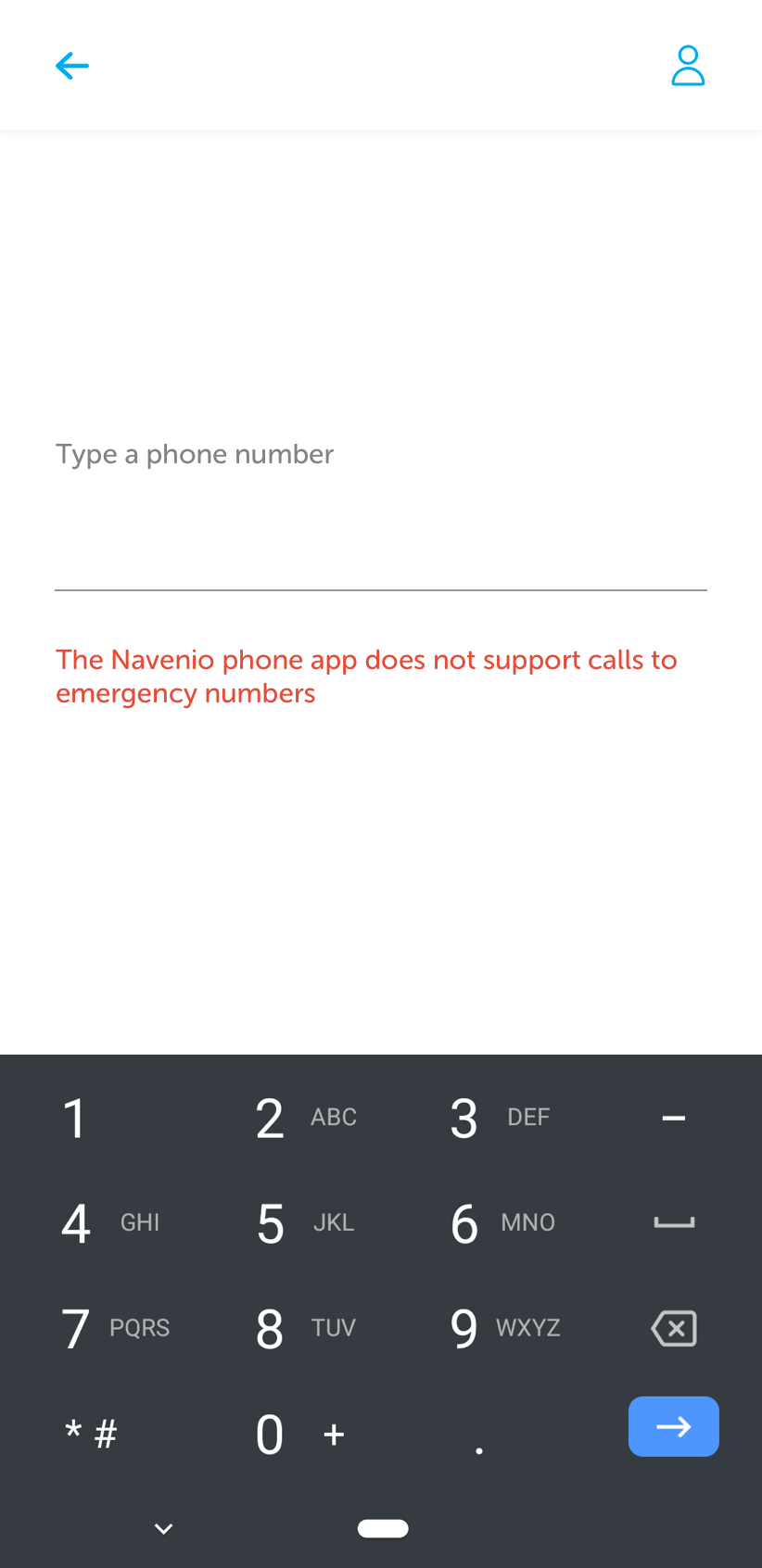
To dial a number, tap where it prompts to enter the phone number. A dial pad displays to enter the number.
After the number has been entered, tap the blue call icon to dial.