Perform a Task
When a task has been accepted, the timer displays the total time to complete the task.
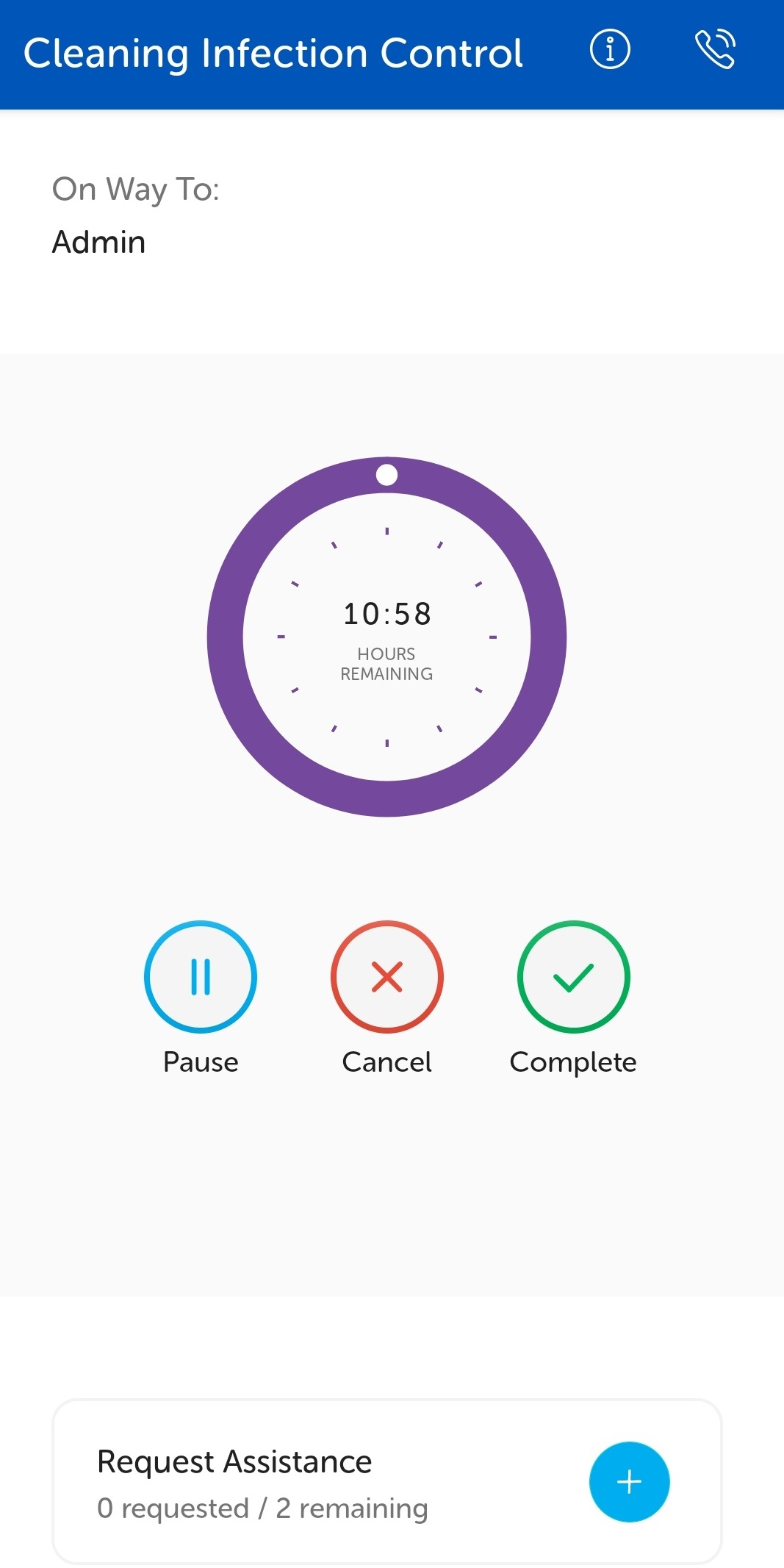
At the top of the screen, the On Way To: displays the first waypoint of the task. This section displays the task progress as the task handler proceeds through the waypoints in the task. For example, it could display "At Admin" to start then display "On way to Ward 44" and then "At Ward 44".
The task progress is automatically detected and updated on the IWS Portal.
Note: Task timers are based on an estimated travel time and task handling time.
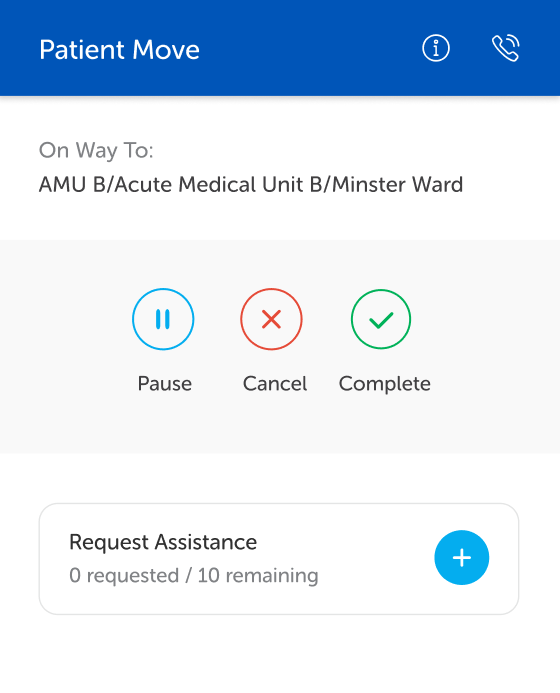
Some task types can be configured to not display the timer. For tasks configured as such, when the task is accepted, the task will display as below: