Shift Times
Before starting their shift, task handlers need to confirm the shift times or amend them, as necessary.
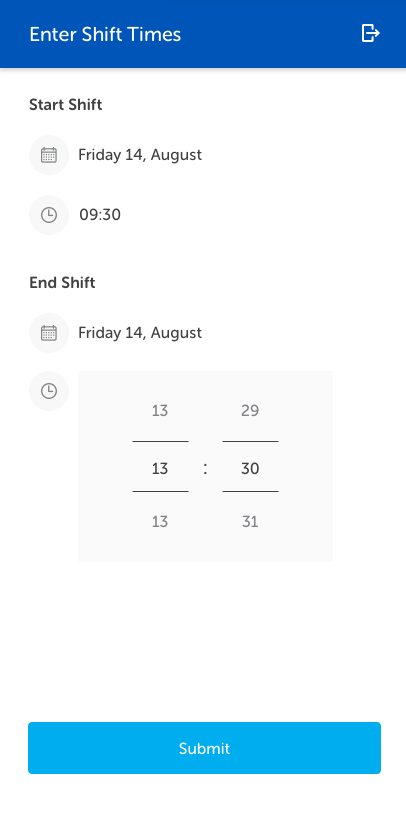
The start shift time automatically updates to the current date and time. The shift duration default is four hours and the End Shift time is set accordingly. The End Shift time can be amended, as required, up to 24 hours in the future.
Once the appropriate shift dates and times have been set, tap Submit.
Note: The Shift End time cannot be set in the past. If a time is selected in the past the Submit button is greyed out and an error message displayed. The shift end time must be amended before continuing.
The Landing Page is displayed after the shift times are submitted. Tasks assigned to the task handler are displayed on this page.
Fetching Venue
When logging on to a mobile phone for the first time following installation of the IWS Mobile app, a Fetching Venue message is displayed while the data and maps for the venue are downloaded.
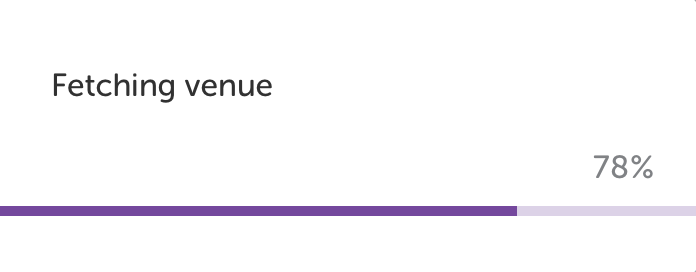
This will usually be seen by the person setting up the phone only and no tasks will be assigned until this process is completed.
Subsequent updates to the venue data are dealt with in the background and will not impact the task handler.