Task Calls
The IWS Mobile app uses the Navenio Phone app to allow single tap calls to contacts from the current task. Calls can be made to contacts that have been added to the mobile as well as adhoc calls made using the dial pad.
Calling Task Contacts
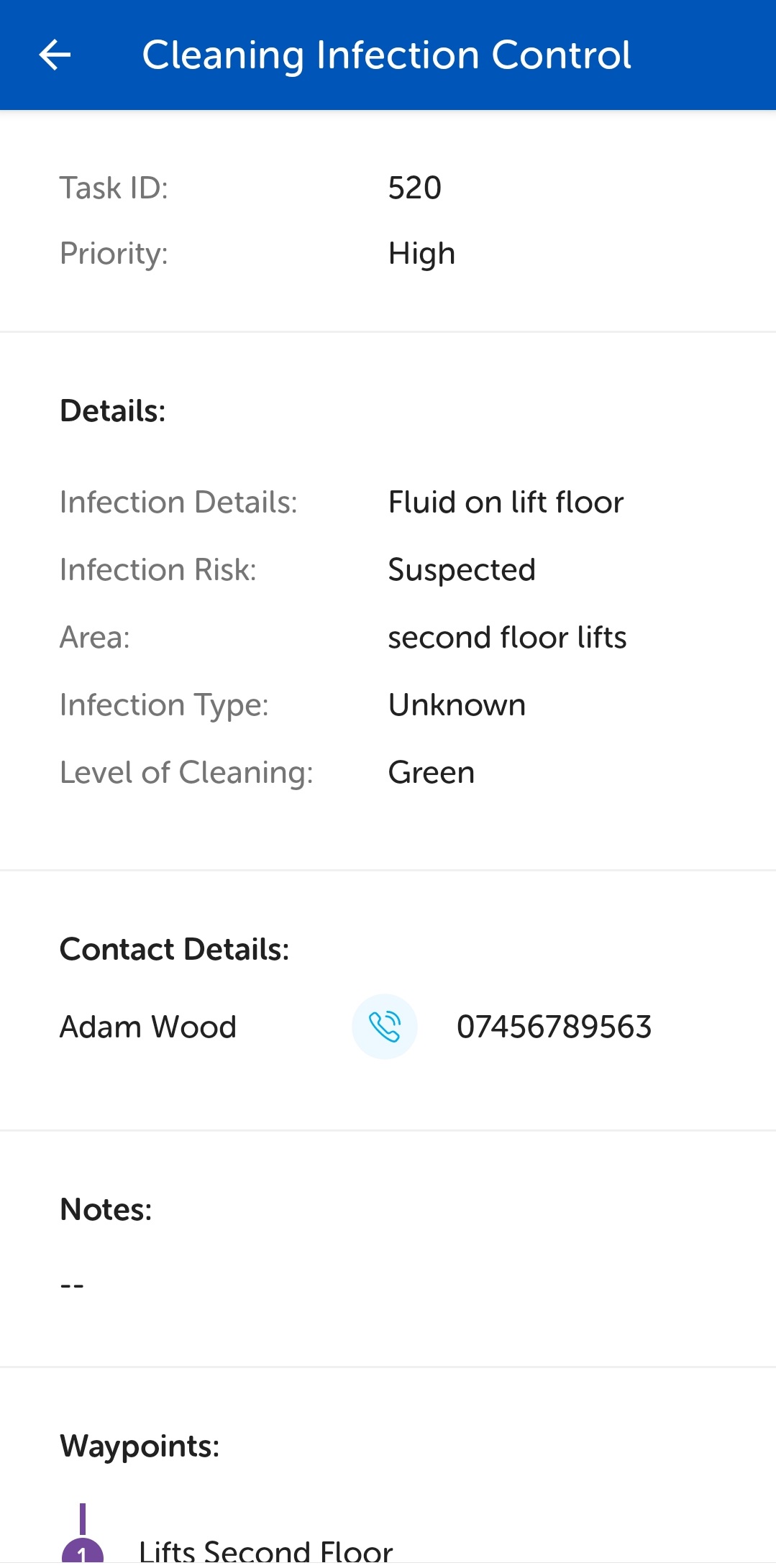
To call the task contact, tap the information icon  , to display the task information page, then the call
  button adjacent to the task contact.
The Task Call screen displays with the task contact name and phone number being dialled.
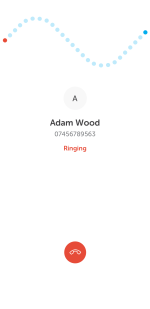
To end the call, tap the red button.
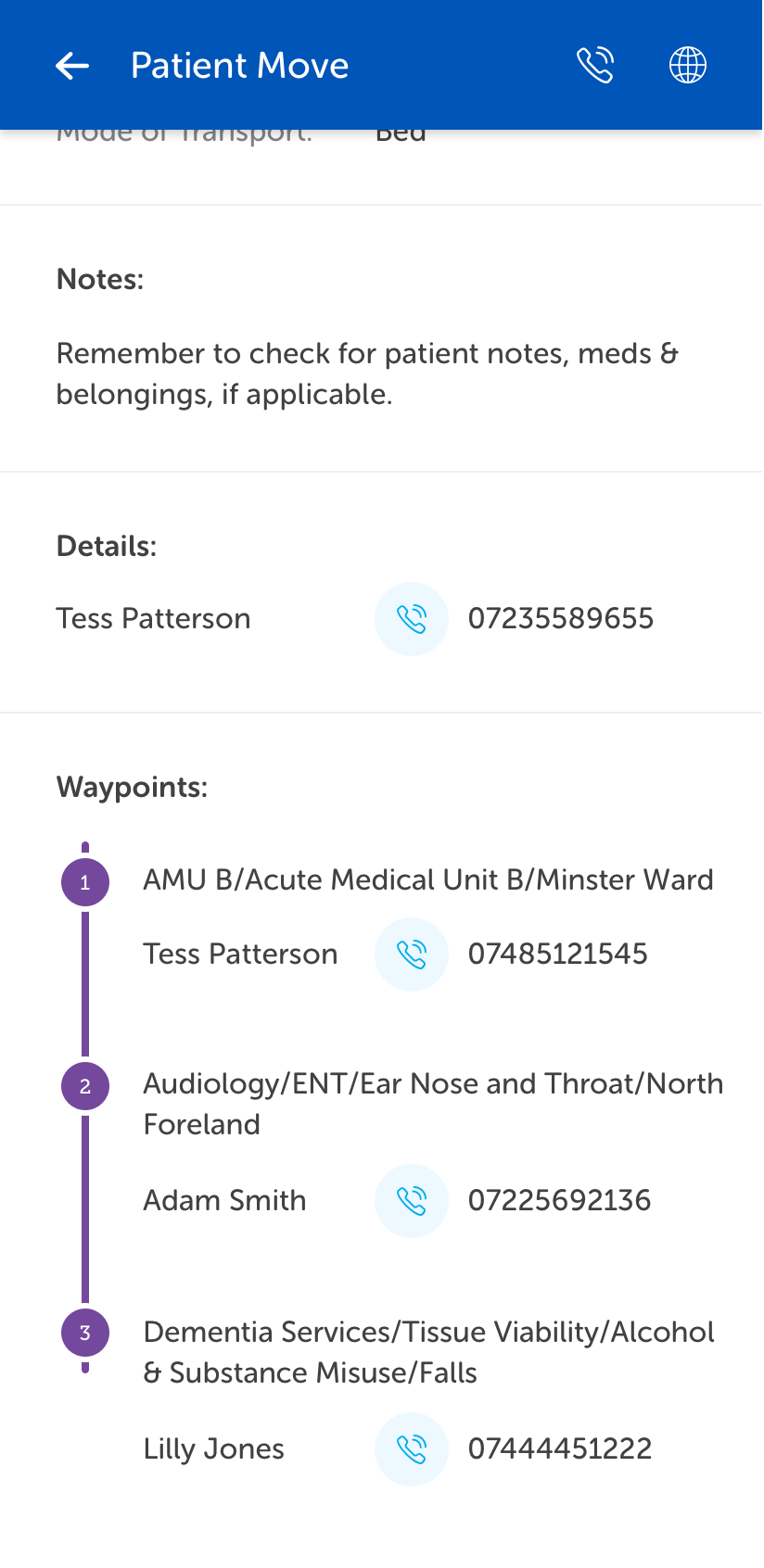
Calls to any other contact, for example, waypoint contact or assistant task handler, can be made by tapping the call button adjacent to their name.
For details on assistant task handlers, please see Task Assistance.
Launching the Navenio Phone App
Calls can be made to people other than task contacts by clicking the Call button. For details, please see Navenio Phone app.