Troubleshooting
A number of messages will display from time to time to advise you of a status or a problem. Below are some examples and, where appropriate, what you can do to resolve the issue.
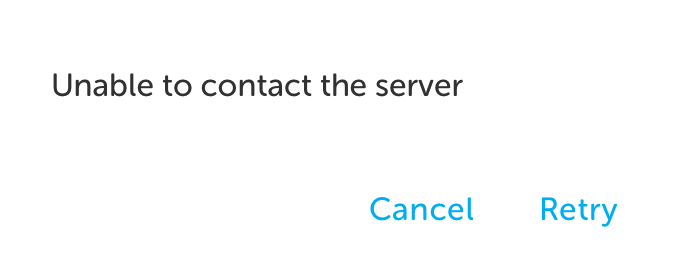
Unable to Contact Server
If the Wi-Fi / internet connection is weak, you may encounter this message.
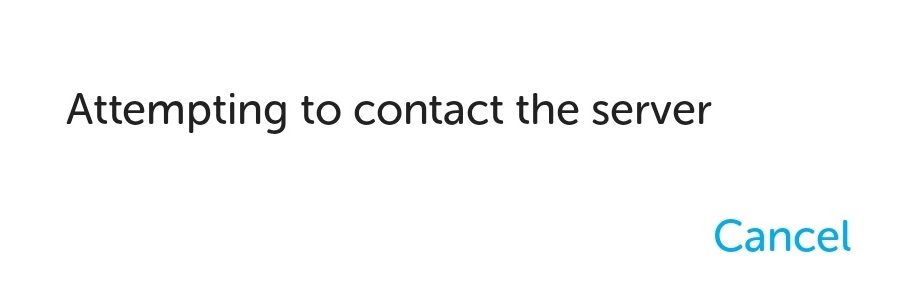
If the IWS Mobile App cannot resume contact with the server, the following message displays and you should move to an area with good connection and tap Retry to attempt reconnection.
Time Synchronisation Error
If a message displays advising that the time between the mobile phone and the server is out of synchronisation, please contact a supervisor.
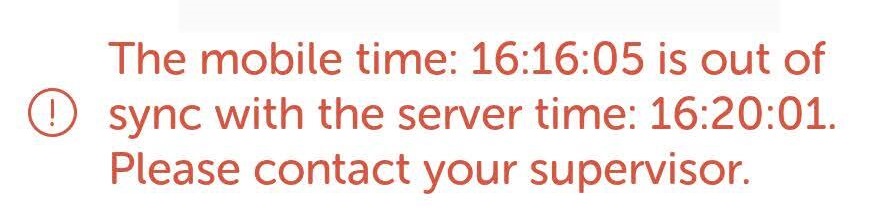
The supervisor should check connectivity and if there are any Wi-Fi issues, switch to mobile data.
Unauthorised User Error
The unauthorised user error displays if a task handler tries to start a shift but does not have permission to use the IWS Mobile app. Please contact a supervisor to resolve this issue.
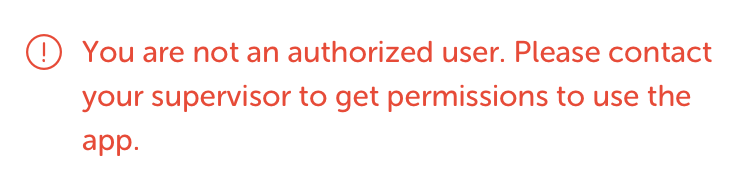
The supervisor should the check roles and permissions assigned to the task handler experiencing the issue or contact the support team.