Dark Mode
The Dark Mode  option is used to switch between Light mode (default setting) and Dark mode.
This option is a toggle switch and tapping the item switches from dark to light mode or vice versa.
Dark Mode Off

Dark Mode On

When dark mode is enabled, a dark background with light text is used throughout.
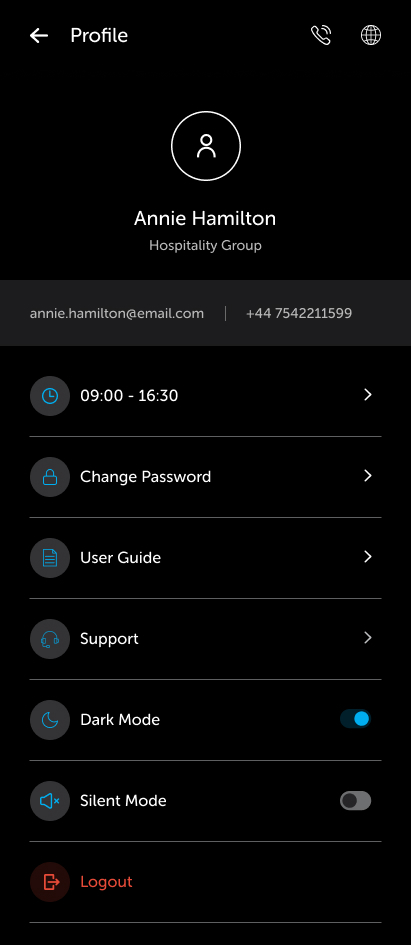
Using dark mode makes the mobile easier to use in low light conditions as well as improving battery consumption.
When the dark mode is disabled (Light mode - default setting), a light background with dark text is used throughout.
The dark mode setting (enabled/disabled) is persisted on the mobile and will remain in the selected state until changed from the settings by the task handler using the mobile.