Logout
Tap the Logout  option to end your current shift. Logging out automatically ends your shift.
The IWS Mobile app logs out automatically, depending on the current status when the end shift time is reached:
-
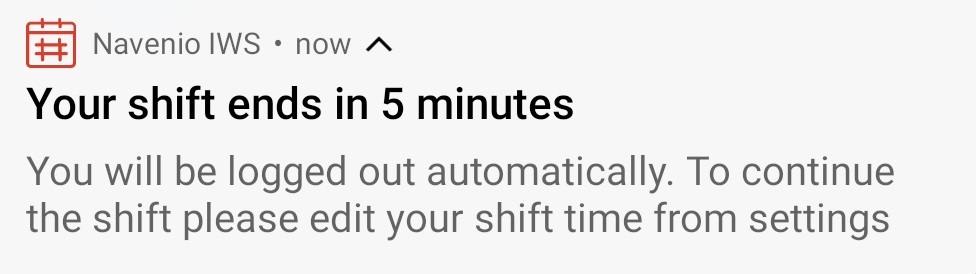
Ready for work - As the end of shift time approaches, if the current status is "ready for work", the IWS Mobile App displays a message to advise that the current shift ends in 5 minutes.
-
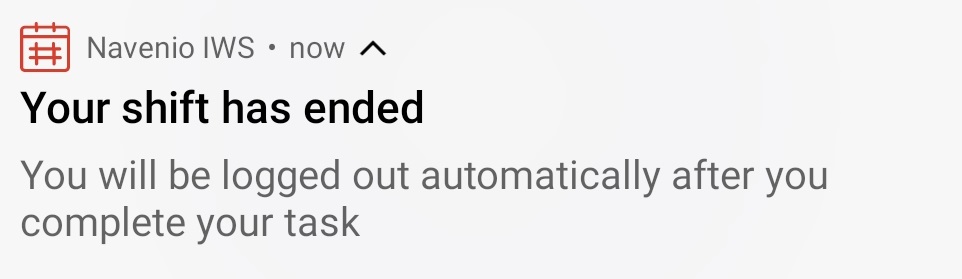
On a task - The task must be completed. The IWS Mobile app displays a notification that the shift has ended. When the task has been completed, the IWS Mobile app automatically logs out.
-
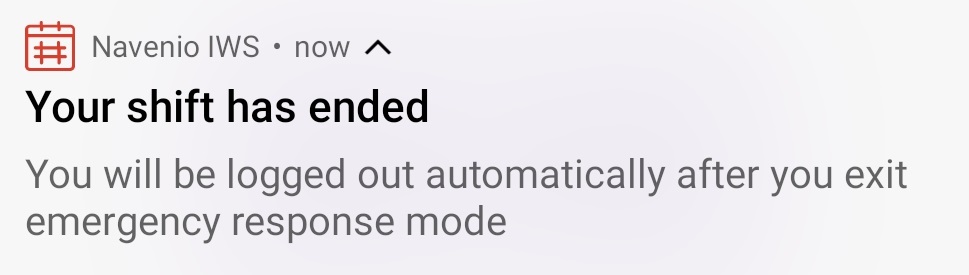
In a meeting, on a break, on an adhoc request or on an emergency response - The IWS Mobile app displays the notification that the shift has ended. When the meeting, break, adhoc request or emergency response has ended, the IWS Mobile app logs out automatically.
Note: If you need to extend your shift time, navigate to the Profile page and edit the Shift Time with the revised end shift time.
When the end shift time is reached, the IWS Mobile automatically logs out.