Change Password
Tapping the Change Password item displays the Change Password dialog.
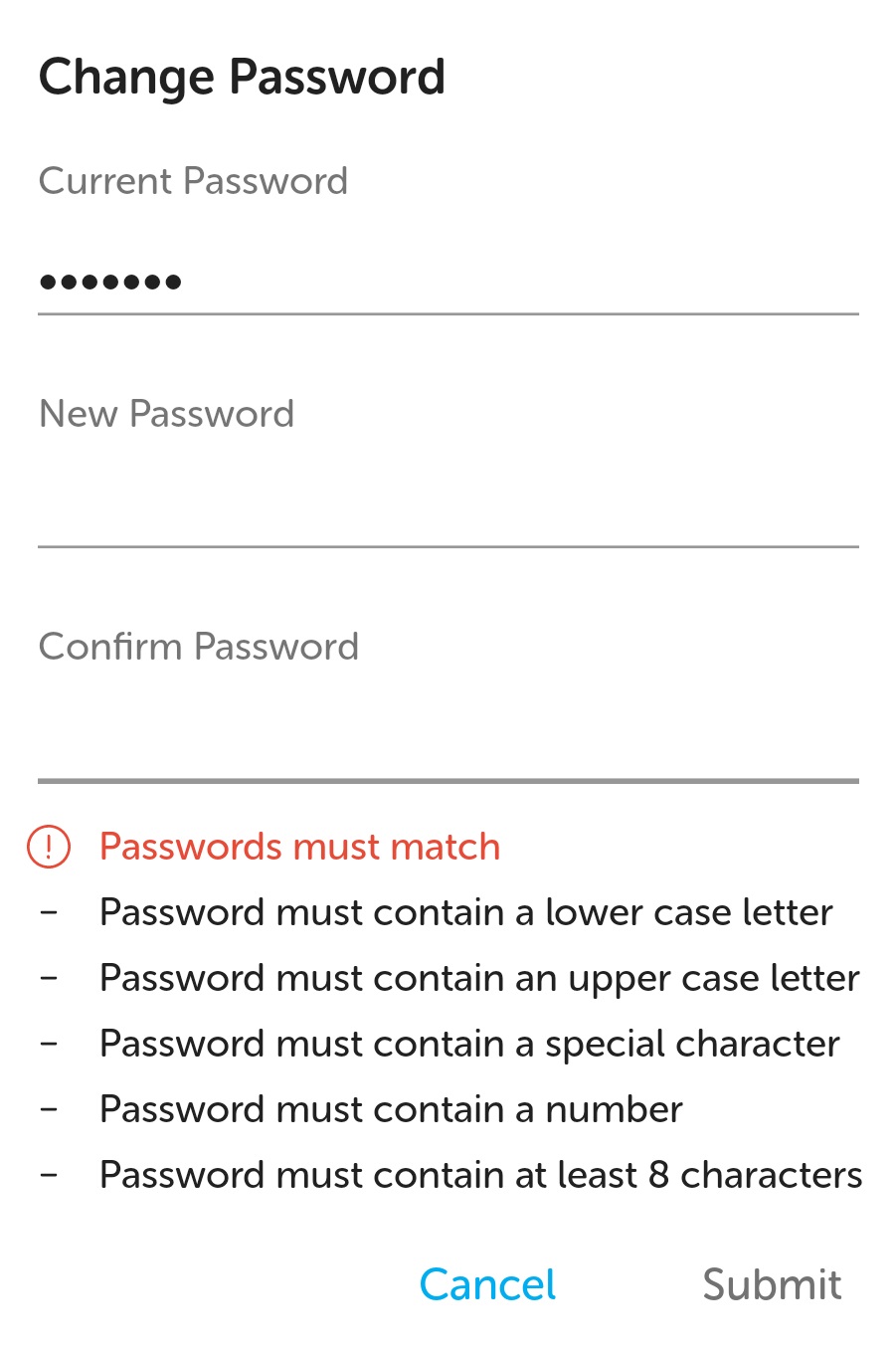
Enter the existing password in the Current Password field. Then enter the new password in the New Password field and again in the Confirm Password field.
Note: IWS passwords must conform to a set of rules. As the new password is entered, the rules display a green tick and are greyed out as the new password satisfies each criteria.
When a matching password has been typed in both the New Password and Confirm Password fields which conforms to all the password rules, the Submit button is activated.
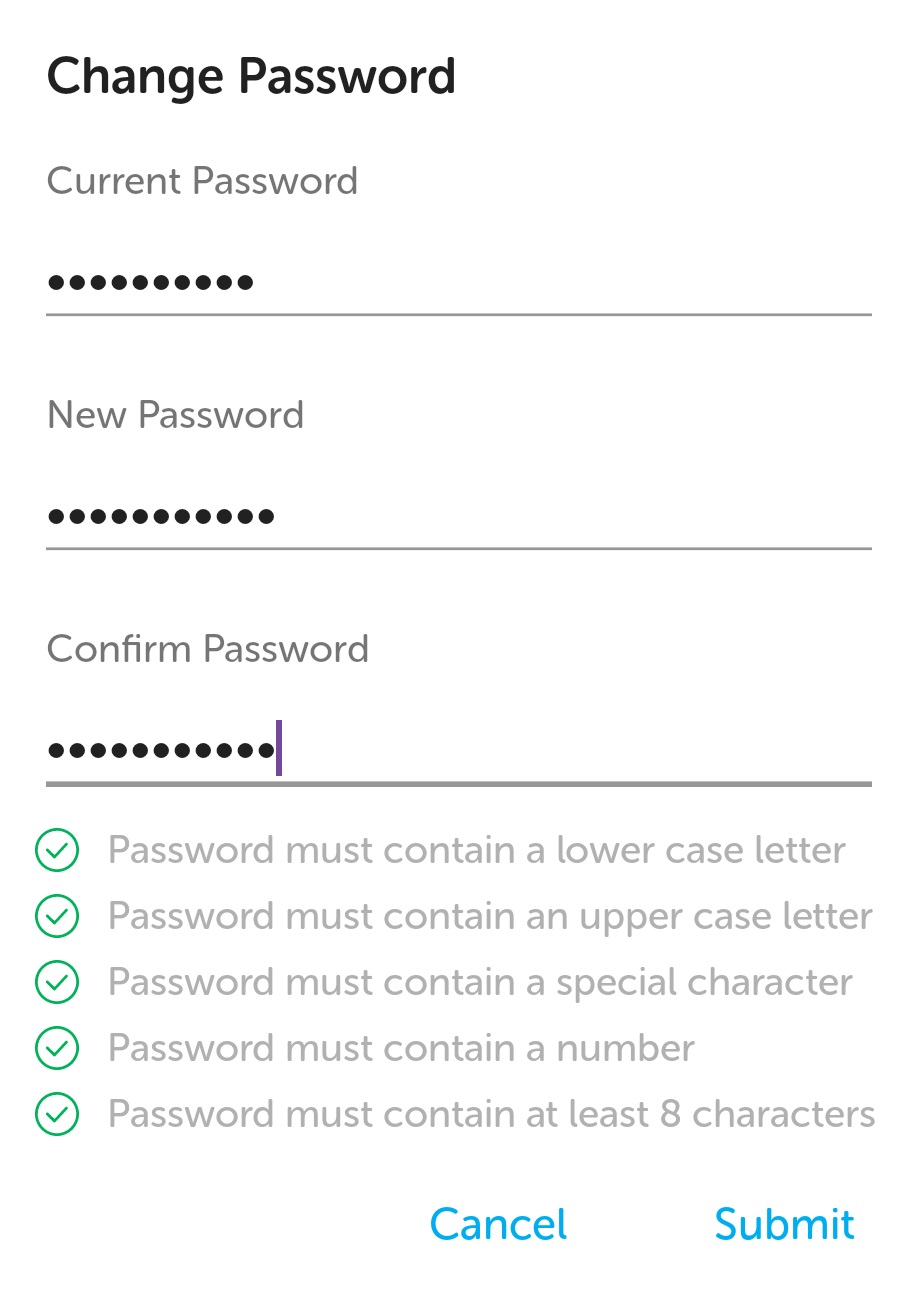
Tap Submit.