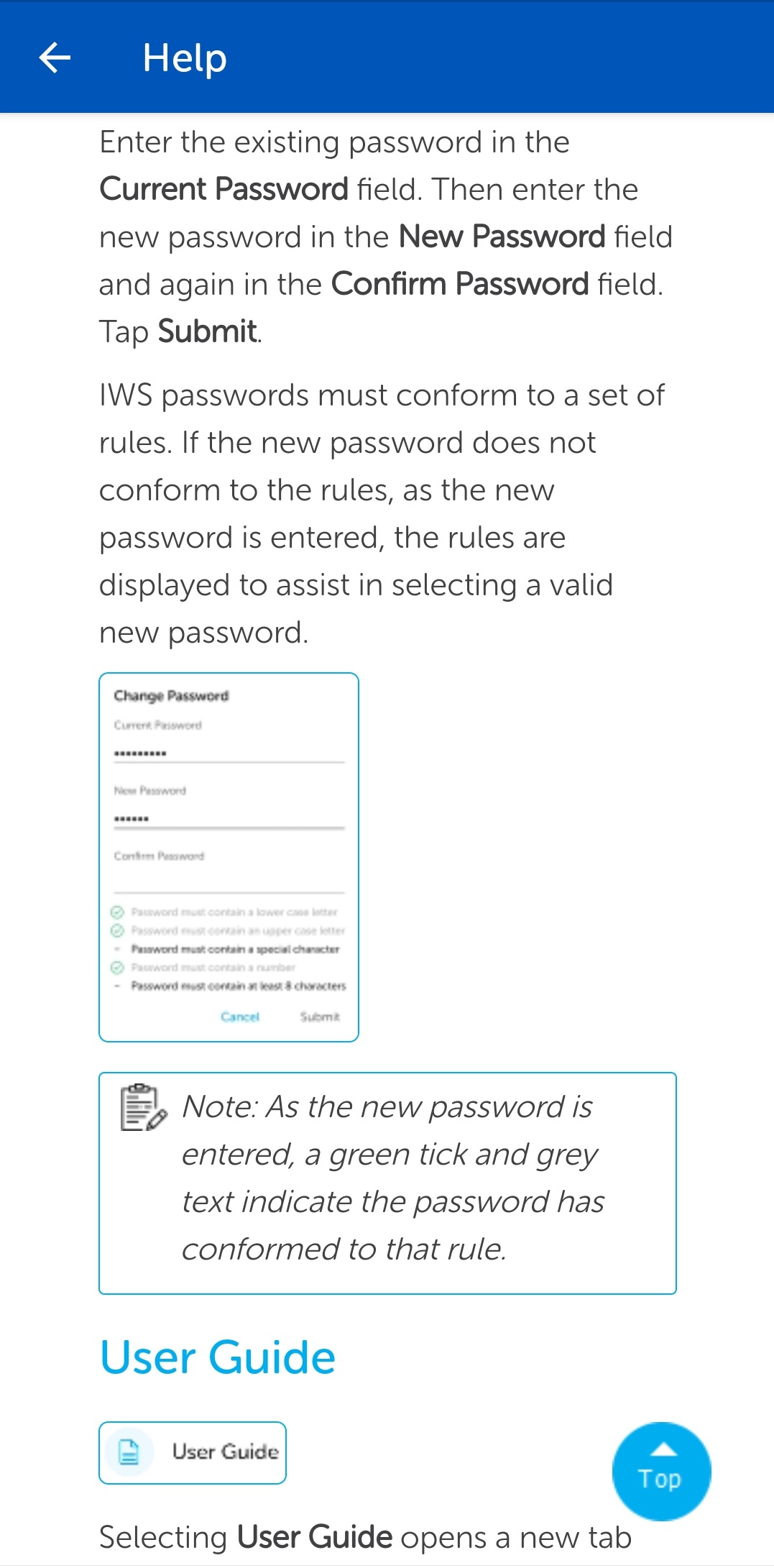
User Guide
Selecting User Guide option opens a new tab and displays the IWS Mobile App and IWS Portal user guides.
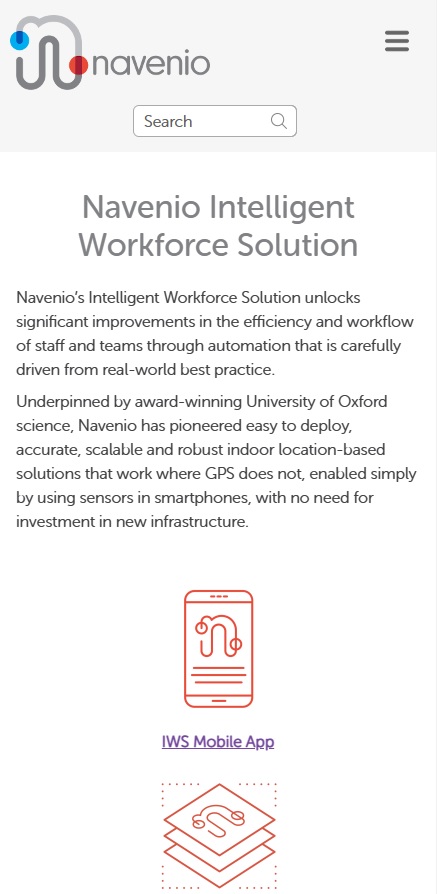
To browse the topics, tap the hamburger menu icon  . The menu displays a list of topics for both the IWS Mobile App and the IWS Portal.
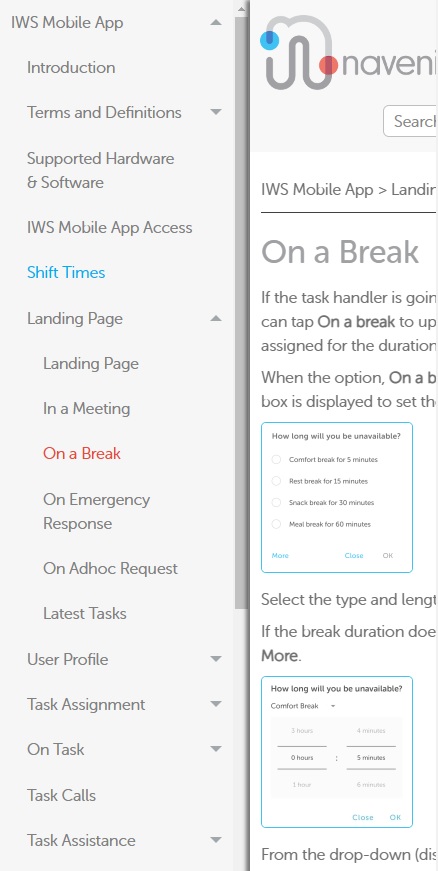
Instead of using the menu, the Search field produces a list of topics that include a key word. Enter the relevant key word in the Search field and tap the search tool. Tap on the appropriate topic from the resultant list of topics to view the topic in full.
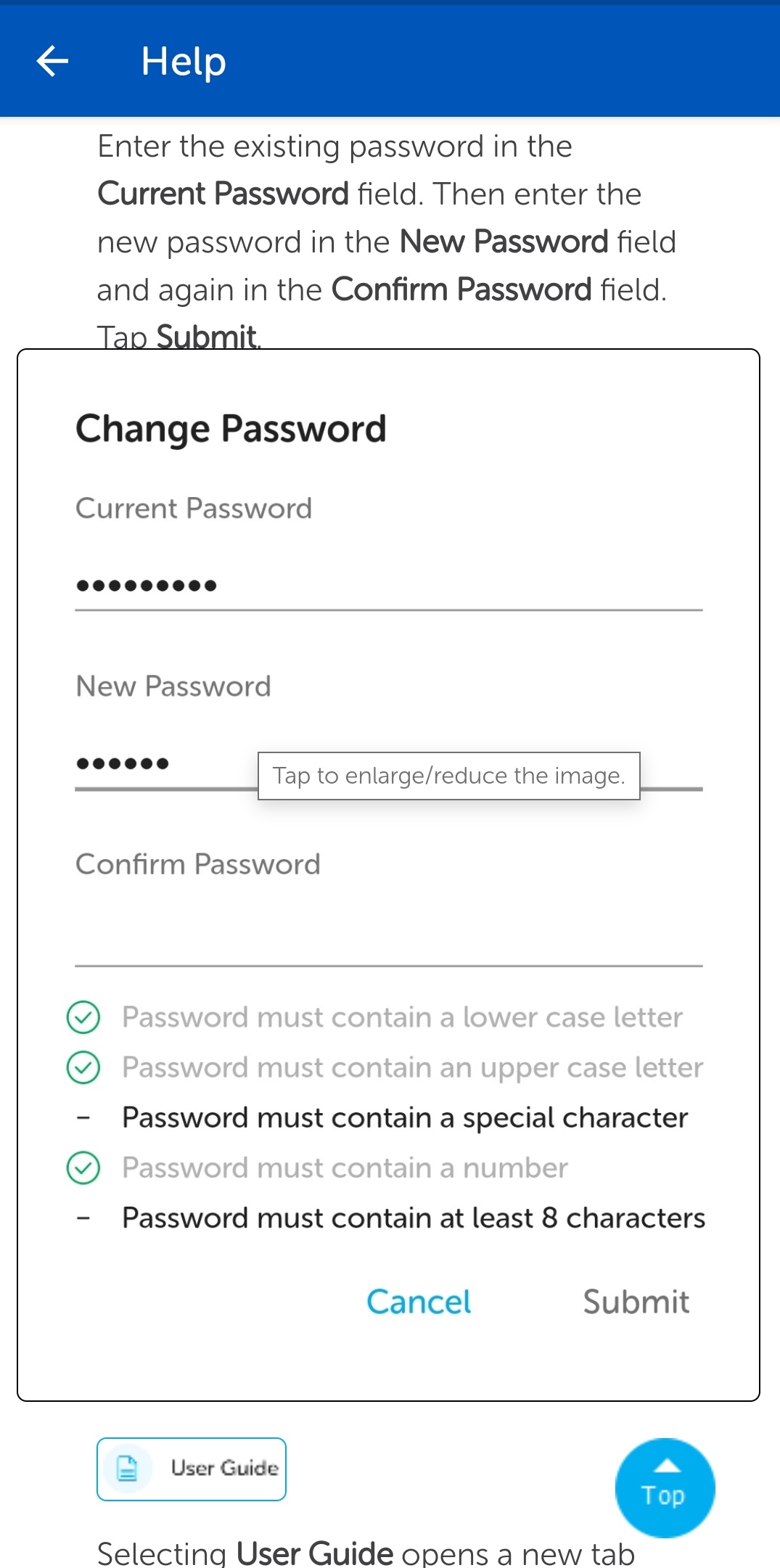
Enlarge Images
Images with a blue border can be enlarged by tapping on them to make them easier to view. Tap the image again to reduce it to its standard size.