Task Assignment
This topic covers:
Note: Similar tasks may be assigned as a Group Task. Working with group tasks is primarily the same as a single task. Please see the Group Tasks topic for details on working with grouped tasks.
When a task is assigned to a task handler, a blue task assigned button with the task type is displayed and the phone vibrates. A notification tone will sound, unless the application is in silent mode.
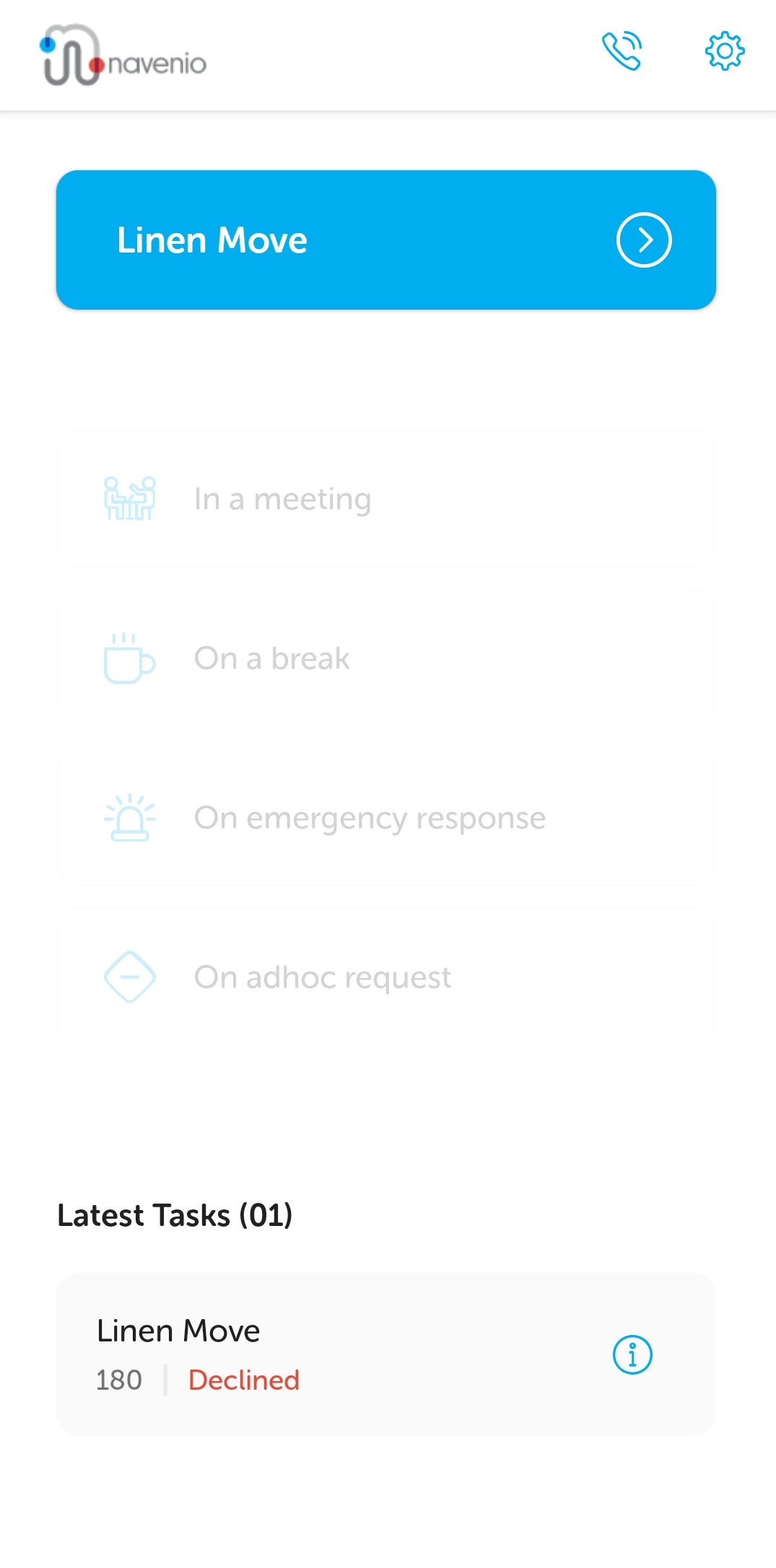
If the screen is scrolled such that the top of the page is not visible when a task is assigned, a red Task Assigned notification is displayed to advise a task has been assigned.
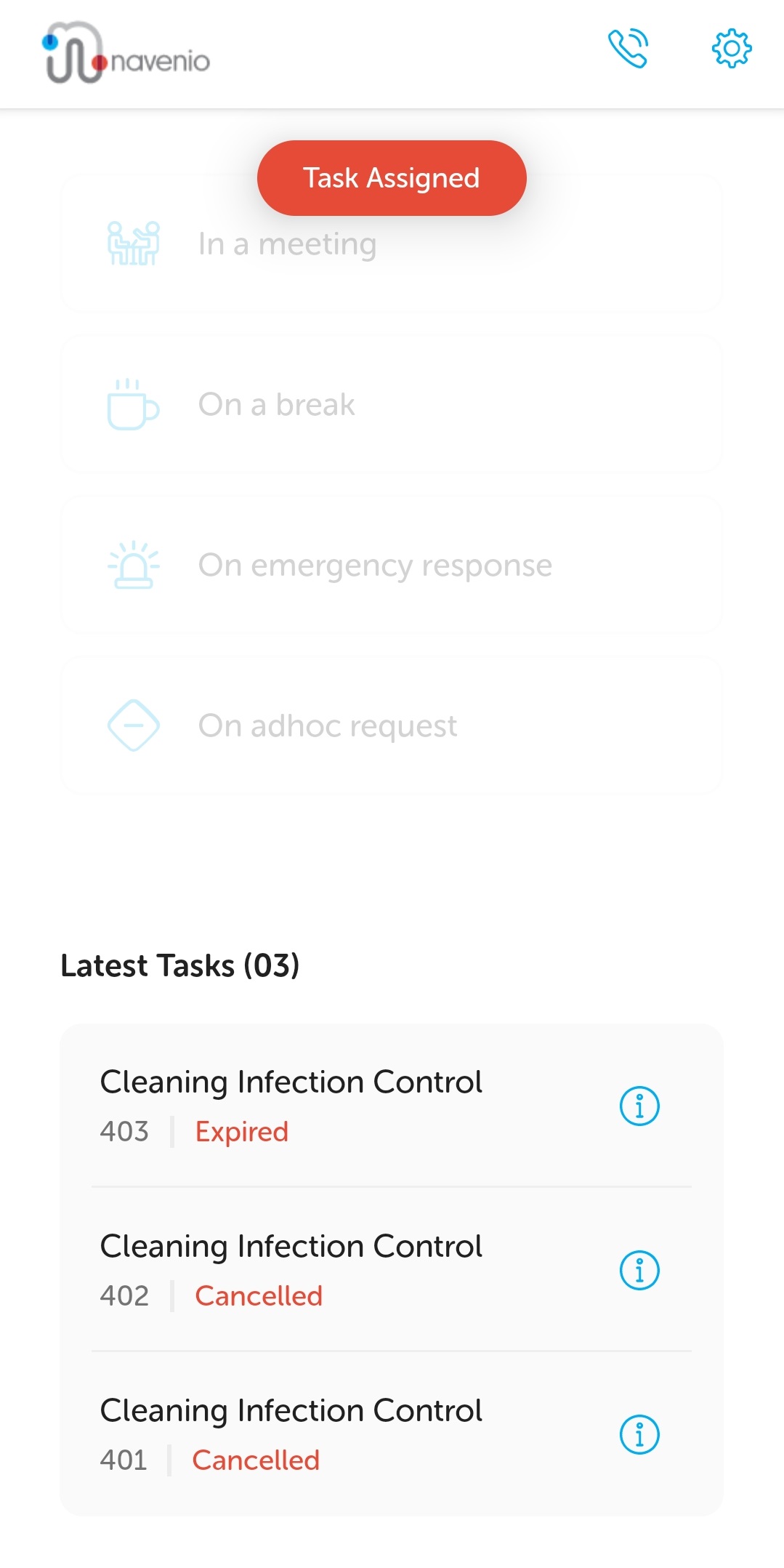
Tap the red Task Assigned button to scroll to the top of the page to see the blue task assigned button.
Tap the blue task assigned button at the top of the screen to view the task details. The decision can then be made whether to accept or decline the task.
Note: The task handler has a fixed amount of time to respond to a task assignment. This is set in the system configuration and is based on the task's priority level. If the task handler does not respond in time, the assignment expires.